
An MCP server is a compact bridge that lets AI assistants access external tools, data sources, and APIs through the Model Context Protocol.
NOWPayments is the strongest option in this comparison for crypto-payment workflows, especially for teams that need crypto invoicing, stablecoin settlement, and fiat off-ramps. It fits B2B teams testing AI-assisted crypto payments, with pricing from 1% for single-currency crypto and down to 0.3% for volume partners, plus no setup or monthly fees.
Choosing the right connector matters because the MCP ecosystem now includes thousands of official and community projects, and not all are production-ready.
Here’s a list of best MCP servers in 2026:
- NOWPayments
- Stripe MCP
- HubSpot MCP
- Slack MCP
- GitHub MCP
This ranking is use-case based, not universal. A payment team may prioritize Stripe or NOWPayments, a RevOps team may choose HubSpot, and an engineering team will usually get more value from GitHub. Security, hosting model, permissions, and client support should matter more than the number of tools exposed.
What We Considered When Choosing the Best MCP Server: Our Selection Criteria
Our comparison focuses on what B2B companies need when connecting AI agents to live business systems. It is designed to identify the best MCP servers for real-world deployment. The three criteria below shaped every assessment:
- Integration & Developer Experience: Critical for deploying quickly across Claude, Cursor, Windsurf, and VS Code without heavy custom code.
- Security & Compliance: Non-negotiable when agents touch payments, CRM data, and source code.
- Business-Focused Features: Key for scaling operations and automating billing, RevOps, incident response, and software delivery.
The table below summarizes how each provider performs in these three categories, which we explore in detail for every entry.
| MCP Server | Integration & DX | Security | Business Features |
| NOWPayments | Hosted endpoint + npx; 5 tools; works with Claude, Cursor, ChatGPT | API key auth; custodial; open source; fixed-rate option | Cross-border payouts, invoicing, subscriptions, donations, 30+ stablecoin settlement (USDT/USDC), automated treasury workflows |
| Stripe MCP | Remote HTTP server; broad Stripe API access; no install | Restricted keys; OAuth; connected-account support; write confirmations | Billing, subscriptions, invoices, refunds, docs search, Treasury |
| HubSpot MCP | Remote HTTP; OAuth 2.1 PKCE; natural-language CRM queries | User-scoped OAuth; HubSpot-hosted endpoint | Contacts, companies, deals, tickets, pipelines, activity logging |
| Slack MCP | npx or Docker; bot-token setup; channel allowlisting | Scoped OAuth permissions; local execution; channel restrictions | Channels, messages, users, reactions, incident summaries, status posts |
| GitHub MCP | Remote OAuth or Docker; PAT support; toolset scoping | OAuth/PAT; read-only mode; Enterprise support | Repos, issues, PRs, Actions, security alerts, Dependabot, code search |
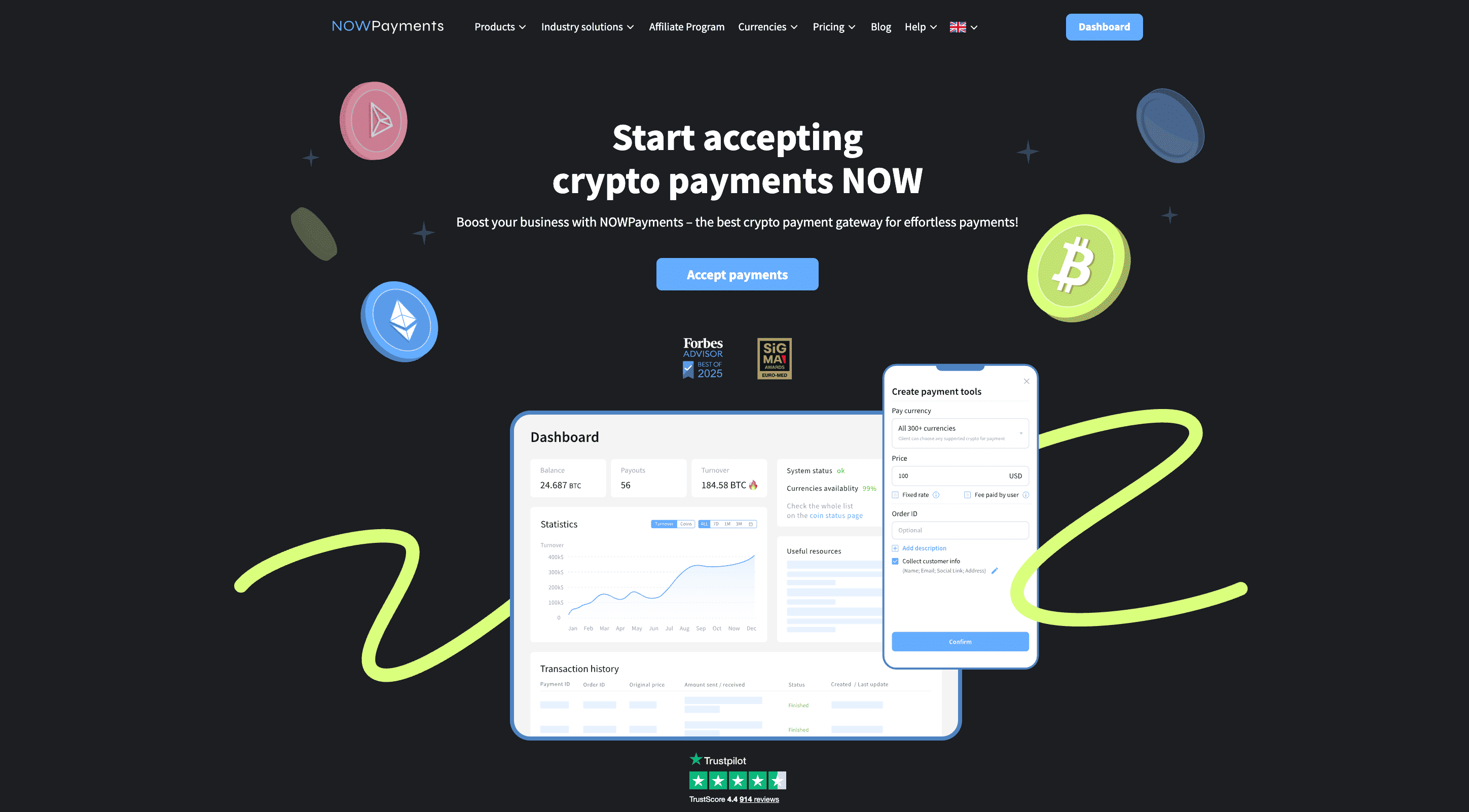
NOWPayments
Best for: SaaS, e-commerce, and agency teams that want to accept crypto while building a custom checkout.
NOWPayments is the best crypto payment MCP server for B2B teams that want to accept digital assets through an MCP-compatible workflow. It also offers fiat off-ramps, mass payouts, and custody within the broader NOW ecosystem. As a connector, it links AI agents to ChangeNOW’s instant exchange infrastructure, enabling automatic conversion and zero-fee email payouts without forcing merchants to write blockchain code. The project is listed on mcpservers.org and its source is on GitHub, giving security-conscious teams full visibility. For subscription SaaS companies, e-commerce stores, and Web3 agencies, this connector removes the need to build a custom crypto checkout while still offering programmatic control over every transaction.
Integration & Developer Experience. NOWPayments ships as a hosted endpoint http://mcp.nowpayments.io/mcp and a local npm package. Configuration requires only an API key in an environment variable. Developers can point a client at the hosted URL or install the package locally via npm. The five core tools cover currencies, minimum amounts, invoices, payments, and status checks.
| Integration Detail | Description |
| Hosted Endpoint | http://mcp.nowpayments.io/mcp |
| Local Package | @nowpayments/nowpayments-mcp via npx |
| Transport | Streamable HTTP or stdio |
| Authentication | NOWPAYMENTS_API_KEY environment variable |
| Core Tools | 5 tools: currencies, minimum amount, invoice, payment, status |
| Supported Clients | Claude, Cursor, Windsurf, VS Code, ChatGPT |
Security & Compliance. NOWPayments operates a custodial model for supported merchant balances and may act as a payment, conversion, or settlement counterparty depending on the selected flow. Teams should review custody, settlement, and API-key permissions before using it in production. Fixed-rate payments lock the exchange rate for roughly ten minutes, reducing volatility exposure.
| Security Feature | Benefit |
| API Key Isolation | Stored in environment variables, not chat context |
| Connector-level custody | Connector holds merchant funds for security |
| Fixed-Rate Payments | Locks exchange rate for ~10 minutes |
| Open Source | Code is auditable on GitHub |
| Limited-Scope Key | Uses a single-purpose credential |
Business-Focused Features. The pricing model offers a 1% fee for single-currency crypto transactions and about 1.5% for auto-conversion or fixed-rate payments. Volume partners can reduce the single-currency rate to 0.3%, and there are no setup or monthly charges. Settlement in euros through SEPA takes one to three business days, making it practical for EU cash flow. These terms suit teams that want crypto acceptance without the chargebacks or rolling reserves common in card processing.
| Feature Area | Key Capabilities |
| All-in-one revenue infrastructure | Payments, payouts, conversions, custody, wallets |
| Automated treasury workflows | API, scheduled withdrawals, dashboard controls |
| Flexible stablecoin settlement | USDT, USDC, cross-border fund movement |
| Volume-based terms and support | High-volume processing, custom terms, and 24/7 support for eligible merchants |
| Earn with ChangeNOW Pro wallets | Bring users through mass payouts |
Stripe
Best for: Teams already using Stripe for subscriptions, invoices, or marketplaces.
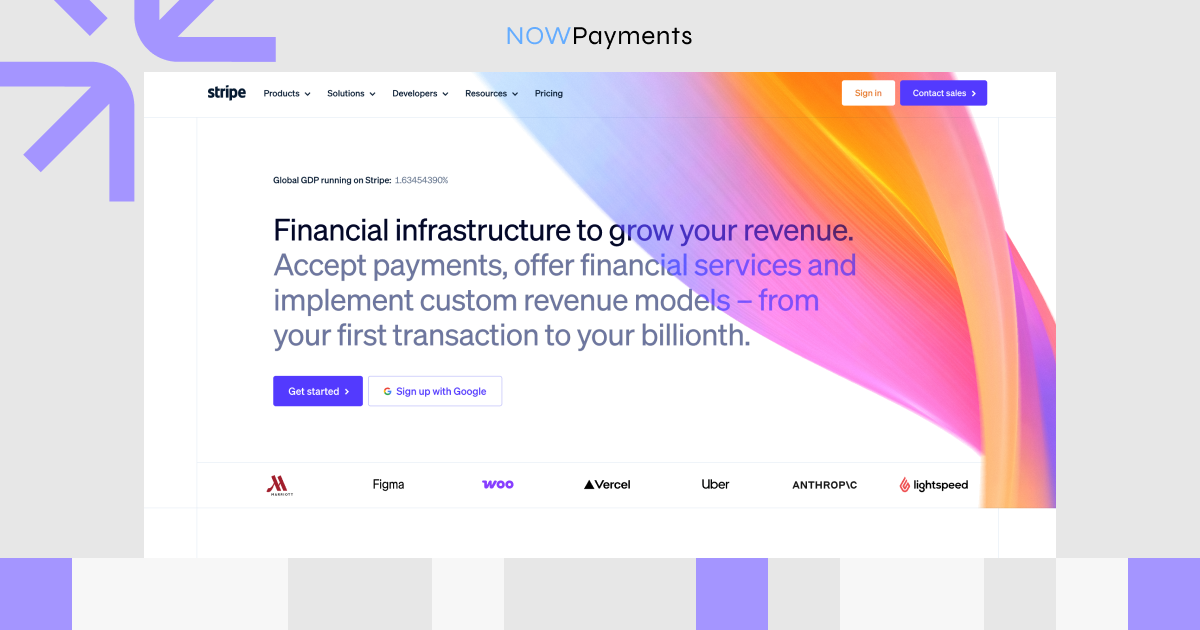
Stripe’s connector automates payment and billing workflows. It is hosted by Stripe at https://mcp.stripe.com, so no local process is needed. See the Stripe documentation, the registry repository, and the npm package. It exposes roughly twenty-three tools covering customers, products, prices, invoices, subscriptions, refunds, disputes, payment links, and documentation search.
Integration & Developer Experience. It uses remote Streamable HTTP with a restricted API key or OAuth. A local runner is available via `npx @stripe/mcp`. Developers add the hosted URL to their client config, or run the npm package for local stdio transport. The same restricted key or OAuth token scopes the agent to the smallest set of billing operations required.
| Integration Detail | Description |
| Hosted Endpoint | https://mcp.stripe.com |
| Transport | Streamable HTTP |
| Authentication | Restricted API key or OAuth |
| Core Tools | Generic read/write, search, refunds, documentation planner |
| Connected Accounts | Supports Stripe-Account header |
| Supported Clients | Claude, Cursor, Windsurf, VS Code |
Security & Compliance. This connector inherits Stripe’s security model. Restricted API keys grant only the permissions the agent needs. OAuth support delegates account access to the authenticated user instead of storing long-lived keys. Most clients can prompt for human confirmation before any write, such as a refund or invoice creation.
| Security Feature | Benefit |
| Restricted API keys | Granular, least-privilege permissions |
| OAuth support | User-delegated account access |
| Connected-account headers | Platform acting on behalf of sub-accounts |
| Human confirmation | Prompt before writes |
| Hosted by Stripe | Inherits Stripe compliance and monitoring |
Business-Focused Features. Stripe MCP turns natural-language requests into billing operations, from invoice creation to subscription management and dispute response. It works well for finance and support workflows that repeatedly look up customers, issue refunds, or check payment statuses. As Stripe hosts the connector, teams do not need to maintain a local runtime or monitor package updates. The toolset is broad enough for most subscription and marketplace use cases, though it does not process cryptocurrency payments.
| Feature | Details |
| API coverage | Full Stripe API via generic read/write tools |
| Billing tools | Invoices, subscriptions, refunds, payment links |
| Customer management | Search, fetch, and update customer records |
| Documentation search | Built-in Stripe docs lookup |
| Implementation planner | Recommends Stripe products for specific use cases |
| Treasury extension | Money movement, bill pay, and corporate cards for eligible accounts |
HubSpot
Best for: Sales, marketing, and customer-success teams using HubSpot as their system of record.
HubSpot’s connector is the official remote CRM integration, and it reached general availability in April 2026. It is hosted at https://mcp.hubspot.com and uses OAuth 2.1 with PKCE to support 12 tools across standard CRM objects. HubSpot also offers a separate local Developer MCP for teams that want deeper customization. Details are in the HubSpot documentation and the Developer MCP setup guide.
Integration & Developer Experience. Setup requires creating an auth app for the protocol in the HubSpot developer dashboard. The connector uses Streamable HTTP, so there is no local process to manage. After the OAuth app is approved, the assistant can query and update contacts, companies, deals, tickets, products, invoices, quotes, and subscriptions. This remote path suits RevOps teams that do not want to run containers on their own machines.
| Integration Detail | Description |
| Hosted endpoint | https://mcp.hubspot.com |
| Transport | Streamable HTTP |
| Authentication | OAuth 2.1 + PKCE |
| Setup | MCP auth app in HubSpot developer dashboard |
| Natural-language queries | Translated into CRM Search API calls |
| Supported clients | PKCE-capable MCP clients |
Security & Compliance. The connector enforces user-scoped OAuth. The PKCE flow keeps tokens out of URLs and config files. As access is limited to what the approving user can see, the agent cannot reach data outside the user’s permissions. HubSpot’s hosted infrastructure also applies the platform’s existing compliance controls to connector traffic.
| Security Feature | Benefit |
| OAuth 2.1 + PKCE | Modern, browser-based consent flow |
| User-scoped access | Agent sees only what the user can see |
| Hosted by HubSpot | Runs on HubSpot-hosted infrastructure and follows the platform’s standard access-control model. |
| No custom objects | Limits exposure to standard CRM data |
| Token isolation | No long-lived keys in config files |
Business-Focused Features. HubSpot MCP is built for sales, marketing, and customer-success workflows that center on standard CRM objects. Agents can summarize accounts, log activities, and query pipelines by stage, value, owner, or custom properties. Activity logging lets users create notes, tasks, and updates directly from chat, reducing context switching. The limitation is custom-object access, which is not exposed through this connector.
| Feature | Details |
| CRM objects | Contacts, companies, deals, tickets, products, invoices, quotes, and line items |
| Pipeline queries | Filter deals by stage, value, owner, or custom properties |
| Activity logging | Create notes, tasks, and updates directly from chat |
| Account summaries | Summarize tickets, deals, and engagement history |
| Developer MCP | Separate local server for HubSpot app development |

Slack
Best for: Teams that want to keep Slack data on local infrastructure.
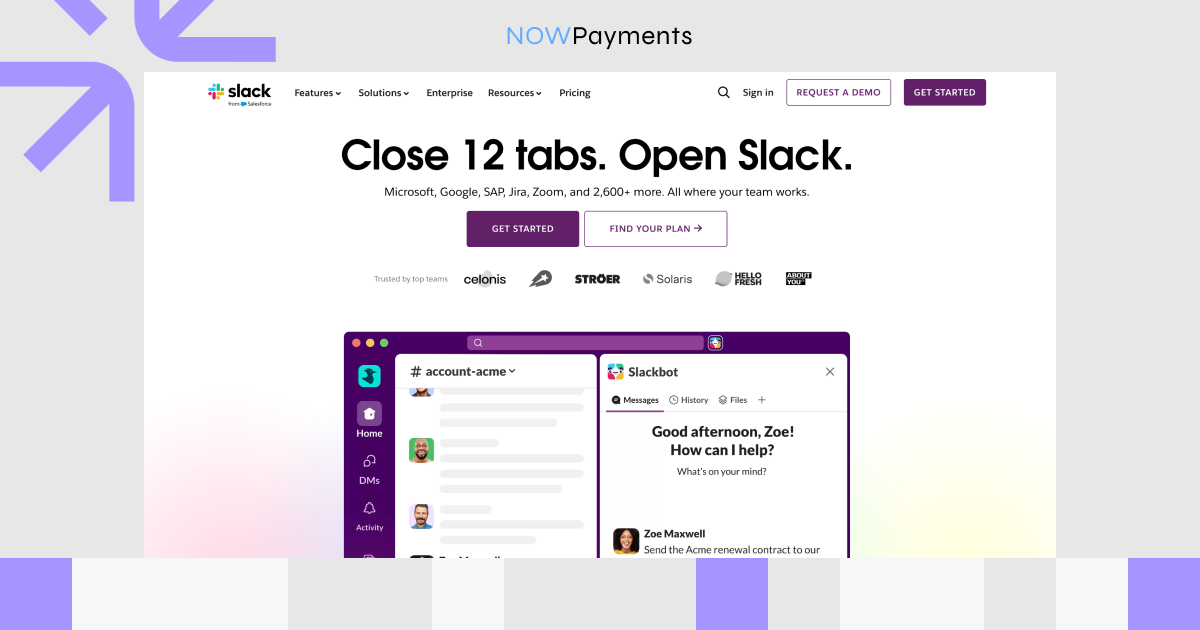
Slack’s connector is the official Anthropic reference integration for Slack. It links AI agents to channels, messages, threads, users, and reactions. It runs locally via stdio or Docker, so Slack data does not pass through a hosted service. The source is in the official Slack server directory.
Integration & Developer Experience. It is available to install via `npx` or Docker, add a bot token and team ID to the config, and restart the client. The optional `SLACK_CHANNEL_IDS` variable restricts the agent to specific channels. Local execution means the connector runs on your infrastructure rather than a vendor server. Once configured, the assistant can read history, post updates, reply in threads, and manage reactions within the allowed channels.
| Integration Detail | Description |
| Install methods | npx or Docker |
| Transport | stdio / Docker |
| Authentication | Slack bot OAuth token (xoxb-) |
| Team ID | SLACK_TEAM_ID required |
| Channel restriction | Optional allowlist via SLACK_CHANNEL_IDS |
| Supported clients | Claude, Cursor, Windsurf, VS Code |
Security & Compliance. Security comes from Slack’s bot-permission model combined with local execution. A read-only deployment cannot post messages, and channel allowlisting adds a second control layer. Scoped OAuth tokens grant only the permissions selected during app installation, such as reading channels or posting messages. Because the process runs locally, message content stays inside the organization’s environment unless the bot calls Slack’s API.
| Security Feature | Benefit |
| Scoped bot OAuth | Permissions limited to granted scopes |
| Channel allowlisting | Agent can access only named channels |
| Local execution | The connector runs locally, while message access still happens through Slack’s API and granted bot scopes. |
| Official reference server | Public reference implementation with source available for review. |
| Read-only option | Deploy without write scopes for safer use |
Business-Focused Features. Slack MCP is aimed at incident response, support triage, and account-context lookups that happen inside team channels. The connector can summarize channel activity, post status updates, and search account channels for relevant context. Daily digests or on-demand summaries help distributed teams stay aligned without manually scrolling threads. It is not a hosted connector, so it requires a local runtime and an active bot-token management process.
| Feature | Details |
| Core tools | 8 tools: channels, history, threads, users, post, reply, reaction, profile |
| Incident response | Summarize channels and post status updates |
| Account lookups | Search account channels for context |
| Daily digests | Summarize key channels on demand |
| Action-item extraction | Pull decisions and tasks from threads |
GitHub
Best for: Engineering teams that want AI-assisted code review, issue triage, and release tracking.
GitHub’s connector is the official one for repositories, issues, pull requests, and Actions workflows. It is available as a remote OAuth server at https://api.githubcopilot.com/mcp/ or as a local Docker container. The source and setup notes are in the official repository. It supports GitHub Enterprise Server and ghe.com deployments for organizations with private instances.
Integration & Developer Experience. The remote OAuth path is simplest: add the URL to the client config, authenticate once, and the agent can start working with repositories. For clients without remote support, the local Docker image `ghcr.io/github/github-mcp-server` runs with a personal access token and supports GitHub Enterprise Server and data-residency instances. The `–toolsets` flag lets admins expose only needed capabilities, keeping the tool list focused. It works across Claude, Cursor, Windsurf, VS Code, Zed, and any client supporting remote or Docker-based connectors.
| Integration Detail | Description |
| Hosted endpoint | https://api.githubcopilot.com/mcp/ |
| Local image | ghcr.io/github/github-mcp-server |
| Transport | Streamable HTTP / Docker |
| Authentication | OAuth for remote; PAT for local |
| Toolset scoping | –toolsets / GITHUB_TOOLSETS |
| Enterprise support | GitHub Enterprise Server and ghe.com |
Security & Compliance. The connector supports OAuth and personal access tokens, with OAuth recommended to avoid storing long-lived credentials. Toolset scoping lets teams give an agent read-only repository access while withholding issue-creation or merge permissions. A read-only mode disables all write tools, providing an additional safeguard for sensitive repositories. Enterprise teams can apply the same connector to private GitHub Enterprise Server instances behind their own network controls.
| Security Feature | Benefit |
| OAuth support | No long-lived PATs needed |
| Toolset scoping | Expose only needed capabilities |
| Read-only mode | Disables all write tools |
| GitHub Enterprise | Works with private instances |
| Token rotation | Fits existing credential lifecycle |
Business-Focused Features. GitHub MCP brings repository browsing, issue and pull request management, Actions monitoring, and security alerts into the assistant’s toolset. Engineering teams can use it for code review triage, release tracking, and workflow inspection without leaving chat. Security and DevOps teams benefit from quick access to code scanning, Dependabot, and secret-scanning alerts. It is a practical starting point for organizations that already use GitHub for source control, issue tracking, and CI workflows.
| Feature | Details |
| Repository tools | Browse files, read contents, list commits |
| Issue & PR tools | Create, update, review, merge, search |
| Actions tools | List and trigger workflows; inspect runs |
| Security tools | Code scanning, Dependabot, and secret scanning alerts |
| Copilot tools | Assign Copilot to issues and request reviews |
| Code search | Search across repositories |
How to choose an MCP server
Use the following decision framework:
- Start with the workflow. Identify the business task you want to automate first.
- Check auth support. Prefer OAuth or scoped API keys over long-lived admin tokens. If your assistant does not support remote OAuth, choose a local stdio or Docker option.
- Limit permissions. Run the server with the smallest set of tools and scopes needed. Use read-only mode whenever possible.
- Evaluate hosting. Hosted servers reduce maintenance but send data to the vendor. Local servers keep data on your infrastructure but require you to manage updates and runtime.
- Require human approval for writes. Configure your assistant to ask for confirmation before creating, updating, or deleting data.
- Test in a sandbox. Start with read-only prompts against test data before exposing the agent to production systems.
Security caveats and limitations
- Scoped tokens are essential. Use restricted API keys, OAuth-scoped accounts, or read-only database roles.
- Human approval for rights is not optional. Enable this for invoice creation, refunds, CRM updates, code merges, and infrastructure changes.
- Data exposure varies by transport. Hosted Streamable HTTP connectors send request and response data to the vendor’s servers. Local studio or Docker connectors keep traffic on your machine but may still call the vendor’s API.
- OAuth is safer than API keys but not automatic. The agent still receives the authenticated user’s permissions. Review those permissions carefully.
- Rate limits apply. A looping or misinformed agent can exhaust quotas, trigger lockouts, or incur charges. Set client-level rate limits where possible.
- Production readiness varies. Official first-party servers are generally more stable than community projects, but the protocol itself is still evolving. Test thoroughly before granting production access.
- Tool descriptions can be misread. Ambiguous descriptions can lead to wrong API calls, so verify outputs during testing.
Conclusion
We have compared the main connectors available to B2B teams and developers in 2026, which are also the best MCP servers for developers and business operators: NOWPayments, Stripe MCP, HubSpot MCP, Slack MCP, and GitHub MCP. The right MCP server depends on the workflow it needs to support. NOWPayments fits crypto-payment flows, Stripe covers billing automation, HubSpot supports CRM and RevOps tasks, Slack works for team communication workflows, and GitHub is best suited to engineering operations.
No single connector wins on every dimension. The right decision depends on your existing stack, the sensitivity of the data involved, and whether your client supports hosted or local transports. Start with one or two servers that solve your highest-volume workflow, enforce least-privilege access, require approval for writes, and expand only after you have tested in a safe environment.
FAQ
What is an MCP server?
An MCP server is a connector that exposes external tools and data sources to an AI assistant through the Model Context Protocol. It translates natural-language requests into structured API calls and returns the results so the model can act on them.
What are the best MCP servers for developers?
The best choices for developers depend on the workflow. NOWPayments is suitable for crypto payments and SEPA settlement, GitHub is a common starting point for code workflows, Stripe for billing automation, HubSpot for CRM integration, Slack for team communication
Where can I get MCP servers?
Public registries are a good starting point. [mcpservers.org](https://mcpservers.org) offers a curated directory, MCP.so indexes a larger set of projects, and the GitHub mcp-server topic surfaces open-source community connectors.
Are MCP servers safe?
These servers can be safe when configured correctly, but they are not safe by default. Use scoped tokens, enable human approval for writes, run read-only mode where possible, and test in a sandbox before connecting production data.
Do MCP servers work with any AI assistant?
They work with any assistant or IDE that supports the protocol. Popular clients include Claude Desktop, Claude Code, Cursor, Windsurf, VS Code, and Zed. Check that your chosen assistant supports the transport (stdio or Streamable HTTP) required by the server.
Sources and Further Reading
- NOWPayments: Pricing page, Off-Ramp payouts, mcpservers.org listing, GitHub repository
- Stripe MCP: Stripe documentation, registry repository, npm package @stripe/mcp
- HubSpot MCP: HubSpot documentation, Developer MCP setup guide
- Slack MCP: GitHub repository
- GitHub MCP: GitHub repository
- General directories: mcpservers.org, MCP.so, GitHub mcp-server topic