
Artificial intelligence has moved out of the experimental phase and into the everyday business stack. Companies now rely on AI not only for content generation but also for sales, customer support, analytics, software development, HR, finance, and payments. For B2B leaders, the pressing question is no longer whether to adopt AI but which specific services to choose for which functions. This article is a practical guide to that decision. We will break down top AI services by the business purpose they serve best, from marketing and customer experience to data operations, so you can choose tools that fit your organization rather than chasing headlines.
Beneath this selection process lies a parallel conversation that many AI-powered businesses overlook: how to charge for your product, get paid across borders, and pay global contributors without friction. Once we have mapped the AI tools, we will examine why modern payment infrastructure matters for AI companies and how NOWPayments delivers a crypto business ecosystem that handles stablecoin subscriptions, near-instant mass payouts, and more. But first, it is worth asking why businesses are adopting AI services so quickly and what advantages they actually expect to gain.
What is an AI platform?
An AI platform is a software environment that brings together multiple AI-powered capabilities, like content generation, data analysis, and workflow automation, in one place, rather than doing just a single task. These platforms plug into the tools a business already uses and can take different forms: general assistants, department-specific solutions, or developer APIs. Under the hood they rely on machine learning, natural language processing, and generative AI, but from a business perspective the real point is simple: they save time, reduce repetitive work, help teams make smarter decisions, and make it easier to scale.
Why Businesses Are Investing in AI Services
The logic behind AI adoption is straightforward, and the same handful of drivers keep surfacing across sectors.
- Automate the repetitive. Data entry, ticket sorting, and document drafting move off human desks.
- Decide with data, not guesswork. AI finds patterns in large datasets faster than any manual review.
- Personalise without the overhead. AI tailors outreach to thousands of contacts individually.
- Scale operations, not headcount. More volume, more channels, more geographies handled without proportional hiring.
- Lift productivity company-wide. Marketing, finance, HR, and support all gain speed from embedded AI.
- Handle B2B complexity. AI now manages high-volume, multi-step workflows, not just simple tasks.
With these drivers in mind, the real work is matching the right AI tool to the right business function. Let us take that on next, purpose by purpose.
AI Services for Marketing, Content Creation, and Sales
Marketing and sales teams deal with repetitive, high-volume work every day. AI services help produce content faster, generate campaign ideas, personalize outreach, and summarize customer data, all of which can shorten the B2B path from awareness to conversion.
Below, three tools stand out for different marketing and sales workflows:
Jasper
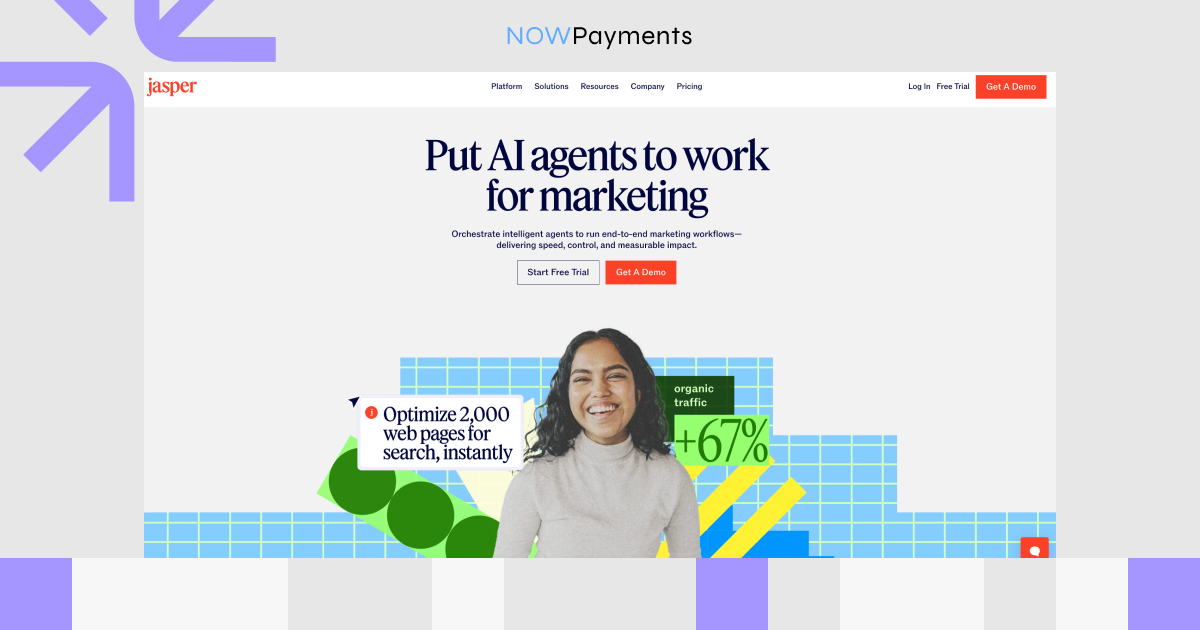
Jasper is built for marketing teams that need to produce quality content at speed. It comes with over 50 templates covering blog posts, ad copy, emails, and social captions, backed by a Brand Voice feature that keeps your tone consistent across every channel. Campaigns let you coordinate multi‑channel output from a single place, while Jasper Chat gives you a more conversational way to write. Real power‑user touches come from the SurferSEO and Grammarly integrations, which make Jasper a serious long‑form writing tool.
Pros
- High-quality, on-brand long-form content
- Deep templates + native SurferSEO integration
- Enterprise-grade collaboration & security
Cons
- Pricier than many competitors
- Learning curve for advanced campaign and template features
- SEO mode & plagiarism checks locked behind higher tiers
- Still needs human editing on nuanced topics
Pricing
- Pro: $69/month per seat for monthly subscription / $59/month per seat for yearly subscription
- Business: Custom pricing
- All plans come with a 7‑day free trial
Copy.ai
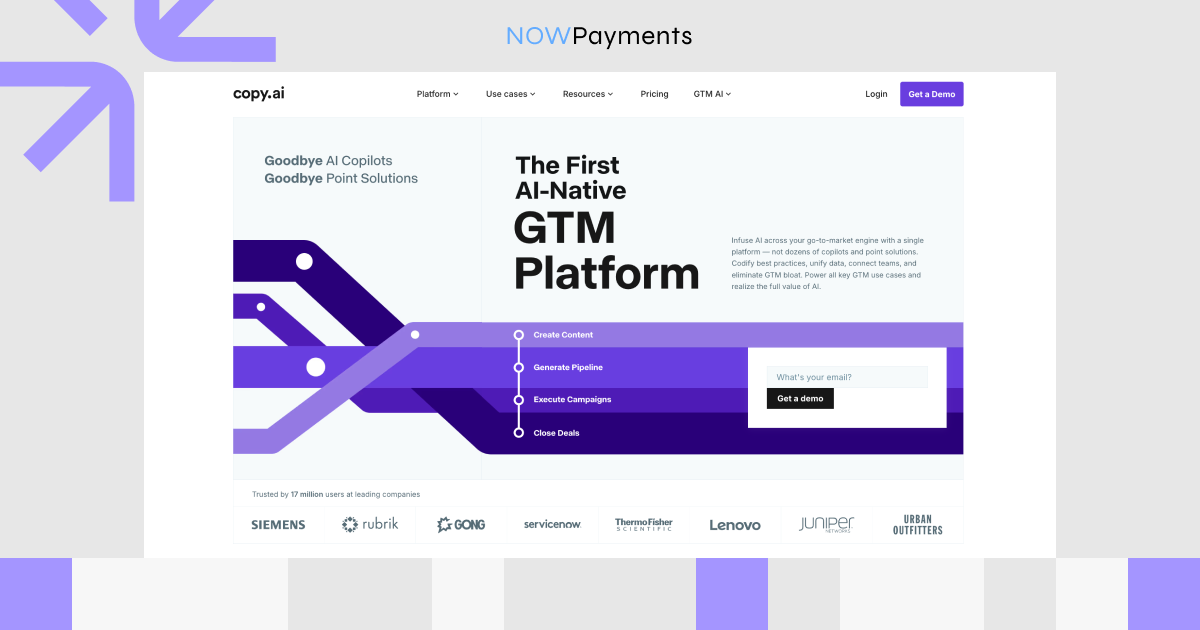
Copy.ai has grown from a simple copywriting helper into a GTM-focused AI platform. You get over 90 templates, a brand voice system, and an info base for saving your key messaging points. The no‑code Workflow builder is a standout and automates repetitive content tasks like social posts and sales sequences. There’s also Chat by Copy.ai and API access, plus support for more than 25 languages.
Pros
- Useful free tier for trying core features
- Clean, intuitive interface with almost no learning curve
- Excellent workflow automation for high-volume social & sales copy
- Unlimited words on Pro+ offers great value
Cons
- Inconsistent output quality, which needs more editing
- No native SEO or plagiarism integrations
- No image generation included
- Workflows & API locked behind paid plans
Pricing
- Chat: $29/month for a monthly subscription / $24/month for an annual subscription
- Enterprise: custom pricing
HubSpot AI
HubSpot AI isn’t a standalone app, it’s woven directly into HubSpot’s CRM. The Content Assistant helps you write blog posts, emails, landing pages, and social copy using live CRM data. ChatSpot works like a conversational CRM bot for reports and research, and there’s also AI‑generated website copy, predictive lead scoring, a sales email writer, and content remixing. Everything lives inside the Marketing, Sales, Service, and CMS hubs, so you never have to jump between tools.
Pros
- Included at no extra cost in Pro/Enterprise plans
- Draws from CRM data for highly relevant, contextual output
- Covers marketing, sales, and service in one place with strong analytics
Cons
- Requires a HubSpot CRM subscription
- Expensive if you only need AI writing
- Copy quality less refined than dedicated tools
- Limited customisation of brand voice and AI model guardrails
Pricing
- Marketing Hub Starter: starts at $10/month per seat.
- Marketing Hub Professional: starts at $880/month, with 3 core seats included.
- Marketing Hub Enterprise: starts at $3,300/month, with 5 core seats included.
- Sales Hub Professional: $100/month per seat
- Sales Hub Enterprise: starts at $150/month per seat
- HubSpot Credits are included by tier and reset monthly.

| Tool | Primary Use Cases | Best For | Pricing |
| Jasper | Long‑form content, ads, multi‑channel campaigns, brand voice | Marketing teams, content agencies, enterprises | Pro: $69/mo per seat monthly or $59/mo per seat yearly; Business: custom |
| Copy.ai | Short‑form copy, social, sales emails, workflow automation | SMBs, startups, sales teams | Chat: $29/mo monthly or $24/mo annually; Enterprise: custom. |
| HubSpot AI | Marketing, sales & CRM automation | Existing HubSpot users | Marketing Hub starts at $10/mo per seat; Pro from $880/mo; Enterprise from $3,300/mo; Sales Hub Pro from $100/mo; Sales Hub Enterprise from $150/mo. |
AI Services for Customer Support and Customer Experience
Customer support is one of the most practical entry points for AI adoption. Teams everywhere handle repeated questions, ticket routing, and follow-ups at volume. AI can reduce response times and free human agents for more complex cases, which directly improves retention and experience.
Fin AI
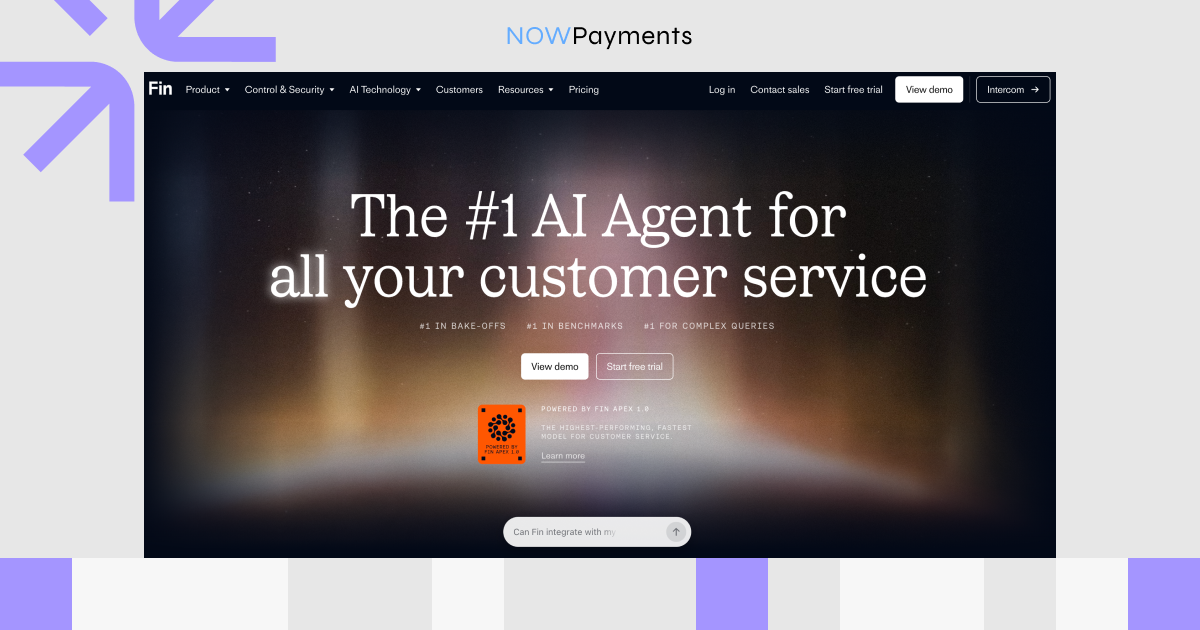
Fin is Intercom’s AI customer service agent, built to answer questions and resolve support issues across live chat, email, SMS, WhatsApp, social channels, and more. It works natively inside Intercom or alongside your existing helpdesk, including Salesforce, HubSpot, Freshworks, Dixa, Front, Zoho, Sprinklr, and Gorgias. The AI can be trained on procedures, knowledge sources, and policies, and it handles multilingual support with real‑time translation. Through data connectors, Fin can also pull information and take actions in external tools like Shopify, Stripe, and Salesforce.
Pros
- Purpose‑built AI agent for customer service automation
- Works with Intercom or your existing helpdesk
- Outcome-based pricing: you pay for successful resolutions only
- No setup or platform fees with a preferred helpdesk
Cons
- Costs can climb quickly with high resolution volumes
- Minimum commitments required when using an external helpdesk
- Broader features tied to Intercom plan tiers (Essential, Advanced, Expert)
- Some channels (SMS, phone, product tours) may have extra usage fees
Pricing
- Fin AI Agent: $0.99 per Fin outcome
- Fin with existing helpdesk: $0.99 per outcome, minimum commitments, unlimited teammates
- Fin + Intercom: starts at $0.99 per outcome + $29 per helpdesk seat/month
- Free trial: 14 days, no credit card, unlimited Fin outcomes
Zendesk AI
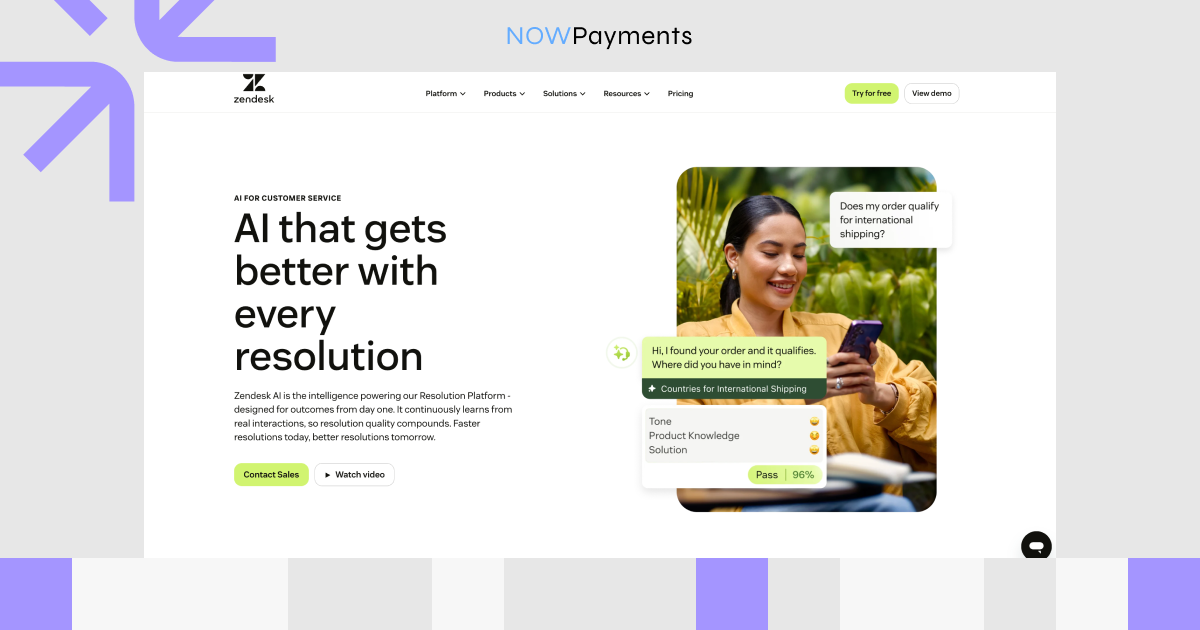
Zendesk AI powers the Zendesk Resolution Platform with tools for agents, admins, and customer‑facing automation. AI agents answer questions, handle workflows, and resolve requests across messaging, email, web forms, and voice. They draw from trusted knowledge sources, generative procedures, scripted dialogues, and API integrations, with advanced analytics built in.
Pros
- AI built into a full customer service platform, not just a standalone chatbot
- Strong omnichannel support: email, messaging, chat, help centre, and phone
- AI agent pricing is tied to automated resolutions
- Copilot add-on boosts agent productivity
Cons
- Total cost involves seats, plan tier, add‑ons, and resolution volumes
- Copilot is a paid add‑on
- Suite Enterprise + Copilot
- Overkill for teams that only want a simple chatbot
Pricing
- Support Team: $19/agent/month (annual)
- Suite Team: $55/agent/month (annual)
- Suite Professional: $115/agent/month (annual)
- Suite Enterprise + Copilot: contact sales
- Copilot add‑on: $50/agent/month (annual)
- AI agents: from $1.50 per automated resolution
Freshdesk Freddy AI
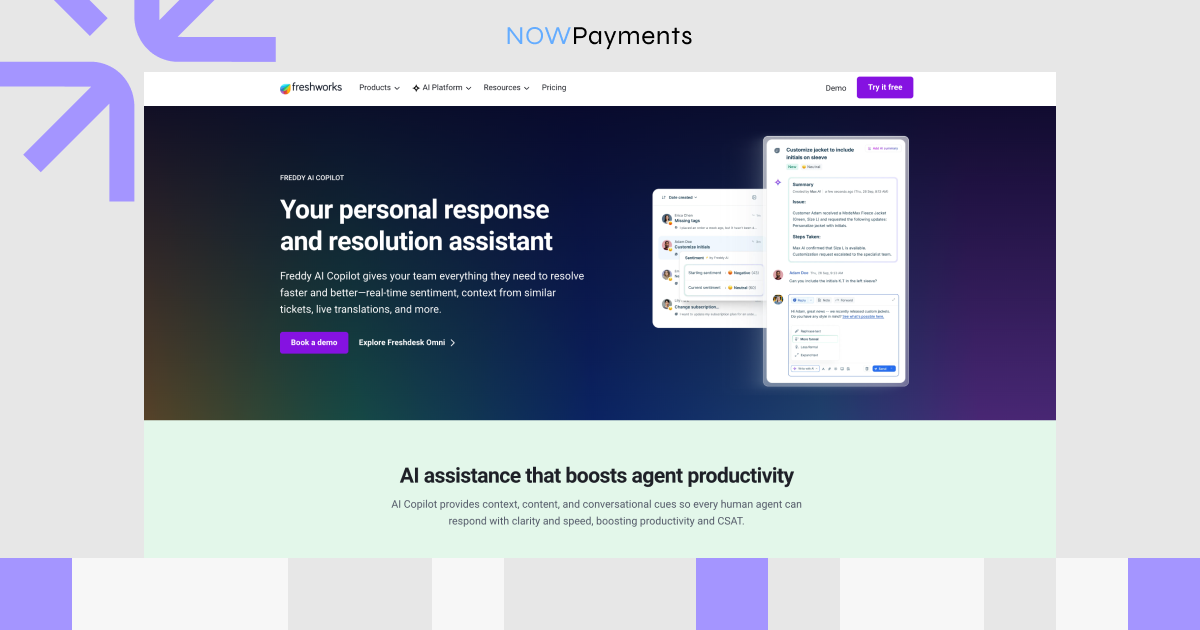
Freddy AI is Freshworks’ AI layer for customer support, bringing together Freddy AI Copilot, Freddy AI Agent, and Freddy AI Insights. Copilot helps agents with ticket summaries, tone enhancement, draft replies, auto‑triage, article suggestions, and sentiment analysis. The AI Agent side supports an AI Agent Studio, email AI agents, and automated customer responses.
Pros
- Best for teams already using Freshdesk or Freshworks
- Copilot licenses can be purchased for selected agents only
- Covers both agent productivity and self‑service in one AI layer
- Lower entry pricing than many enterprise platforms, great for SMBs
Cons
- Pricing adds up: seats, Copilot licenses, and session packs
- Feature sets differ across Freshdesk, Freshchat, and Omni products
- AI Agent Studio only available as a Freshdesk Omni add‑on
- Session‑based pricing can grow as automated interactions increase
Pricing
- Freshdesk Growth: $19/agent/month (annual)
- Freshdesk Pro: $55/agent/month (annual)
- Freshdesk Enterprise: $89/agent/month (annual)
- Freshdesk Omni: from $29 to $119/agent/month (annual)
- Freddy AI Copilot: 29/agent/month (annual) or 35/month-to-month
- Freddy AI Agent sessions: $49 per 100 sessions
- Freshdesk Omni plans: one‑time 500‑session trial included
| Tool | Primary Use Cases | Best For | Pricing |
| Fin AI | AI chatbot for instant answers, agent copilot, knowledge base insights | Intercom users who want to deflect tickets and assist agents with AI | $0.99 per outcome; Fin + Intercom starts at $0.99/outcome + $29/helpdesk seat/mo |
| Zendesk AI | Automated triage, AI bots, agent copilot, knowledge base suggestions | Zendesk users needing deep AI inside a full CX platform | Support Team from $19/agent/mo; Suite Team $55/agent/mo; Suite Pro $115/agent/mo; Copilot $50/agent/mo; AI agents from $1.50/resolution |
| Freshdesk Freddy AI | Self‑service bot, agent copilot, auto‑triage, sentiment analysis | SMBs and mid‑market teams wanting affordable, integrated AI in Freshdesk | Freshdesk from $19/agent/mo; Freshdesk Omni from $29/agent/mo; Freddy Copilot $29/agent/mo annually; AI Agent sessions $49/100 sessions |
AI Services for Software Development and Product Teams
GitHub Copilot
GitHub Copilot is an AI coding assistant woven into GitHub and the most popular development environments, including VS Code, JetBrains IDEs, Neovim, Xcode, Eclipse, and Zed, plus the terminal and GitHub.com. It delivers real‑time code suggestions, chat, inline chat, code review, pull request help, and agent mode, while business and enterprise plans layer on centralized management, policy controls, and pooled AI credits.
Pros
- Natural fit for teams already on GitHub
- Covers autocomplete, refactoring, tests, reviews, agentic tasks
- Paid plans: unlimited code completions; credits mainly for chat, CLI, cloud agents
- Business and Enterprise tiers: governance and policy controls
Cons
- Costs harder to predict with heavy chat/agentic usage
- Policy management and enterprise controls on higher plans
- New individual and self-serve Business sign‑ups temporarily paused
- Not available for GitHub Enterprise Server
Pricing
- Copilot Free: $0, with limited usage.
- Copilot Pro: $10/month.
- Copilot Pro+: $39/month.
- Copilot Max: $100/month.
- Copilot Business: $19 per granted seat/month.
- Copilot Enterprise: $39 per granted seat/month.
- Additional usage is billed in GitHub AI Credits, where 1 AI credit = $0.01 USD.
Cursor
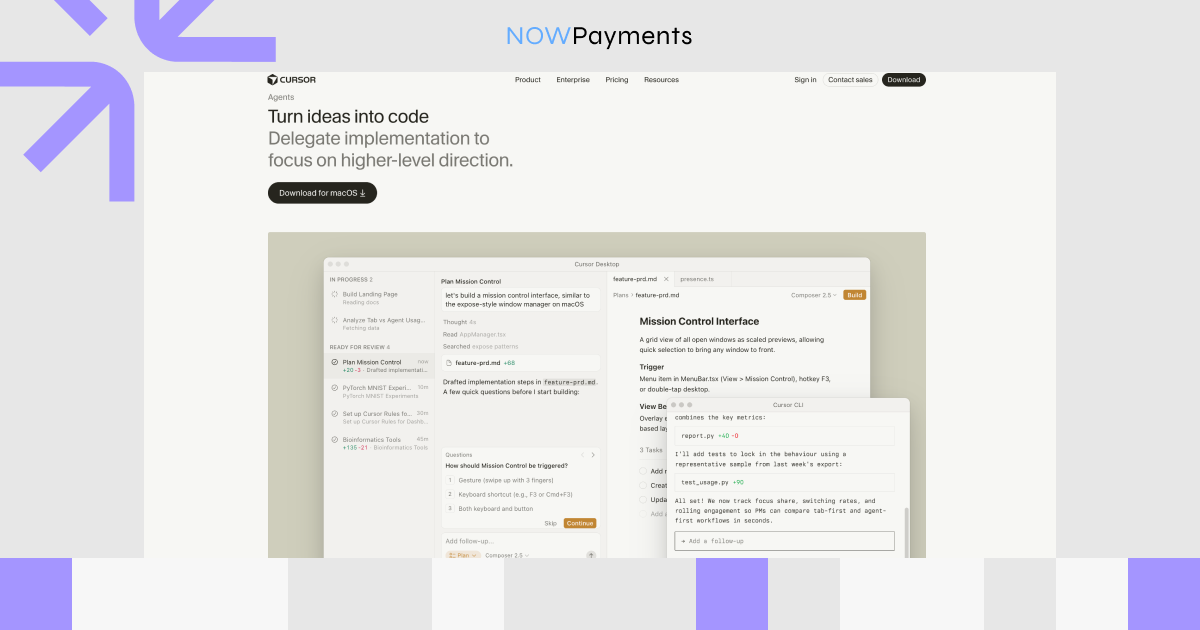
Cursor is an AI‑native editor built from the ground up around agentic development, giving you an Agent that handles multi‑file edits, codebase search, terminal commands, and cloud agents that run tasks like fixing bugs or opening PRs in isolated environments. It also includes Tab completions, a CLI, code review, and Bugbot for automated PR reviews that catch bugs and security issues. Team plans unlock shared context, usage analytics, SAML/OIDC SSO, and a privacy mode that keeps your code from being stored or used for model training.
Pros
- AI-native editor, purpose-built
- Great for multi-file edits, codebase-aware refactors, agentic work
- Team features: shared context, code review, billing, privacy mode
- Privacy Mode blocks code storage and training
Cons
- Learning curve if you’re used to another IDE or Copilot
- Heavy AI use can push costs beyond included usage
- Advanced controls (SCIM, audit logs, access) need Enterprise
- Cloud Agents temporarily store encrypted repo copies
Pricing
- Hobby: Free, with limited Agent requests and limited Tab completions.
- Pro: $20/month.
- Pro+: $60/month when billed monthly, or $48/month when billed annually.
- Ultra: $200/month when billed monthly, or $160/month when billed annually.
- Teams: $40/user/month.
- Enterprise: custom pricing.
Replit AI
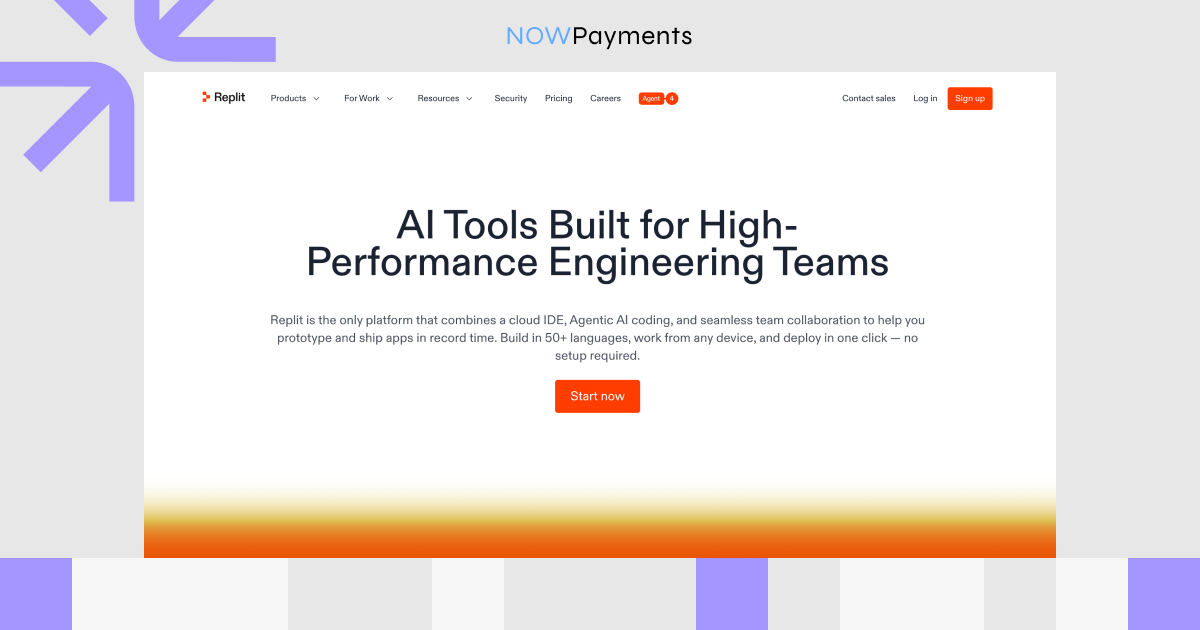
Replit AI is built around the Replit Agent, which turns plain‑language ideas into working apps, dashboards, internal tools, slides, and data visualisations, all inside a collaborative, browser‑based platform. It includes Plan Mode for brainstorming, architecture planning, and task breakdowns before touching any code, plus Build Mode with live previews and a Design Canvas.
Pros
- Fast prototyping for founders, product teams, and non‑technical builders
- All‑in‑one: AI, code, host, deploy, collaborate
- Plan Mode maps out requirements before building
- Agent modes balance cost and performance
Cons
- Effort-based pricing is hard to predict
- All Agent chats billable, even planning without code changes
- Still needs human review and guidance
- Advanced features locked to higher tiers
Pricing
- Starter: Free, with free daily Agent credits.
- Replit Core: $25/month, or $20/month billed annually.
- Replit Pro: $100/month, or $95/month billed annually.
- Enterprise: custom pricing.
- Core includes $25 of monthly credits, while Pro includes $100 of monthly credits.
- Replit AI usage is usage-based and charged through credits, with Agent costs depending on the complexity and effort of the request.
| Tool | Primary Use Cases | Best For | Pricing |
| GitHub Copilot | Code completion, chat, PR help, code review, agent workflows | Developers and teams using GitHub and major IDEs | Free; Pro $10/mo; Business $19/seat/mo; Enterprise $39/seat/mo |
| Cursor | AI coding, multi-file edits, codebase search, agents, AI code review | Developers who want an AI-first coding editor | Free; Pro $20/mo; Teams $40/user/mo; Enterprise custom |
| Replit AI | App building, prototyping, planning, deployment | Founders, product teams, and fast builders | Free; Core $25/mo; Pro $100/mo; Enterprise custom |
AI Services for Data Analysis, Business Intelligence, and Workflow Automation
Microsoft Power BI
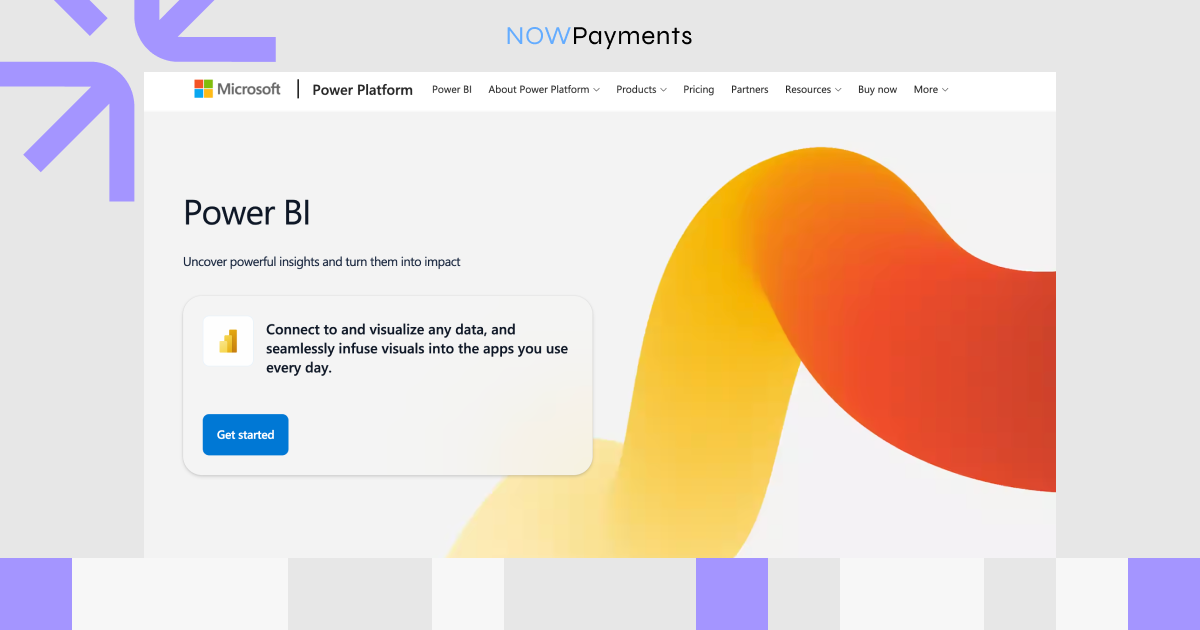
Power BI is a business intelligence platform for creating dashboards, reports, data models, and interactive analytics, with Copilot built in for summarizing data, generating DAX queries, and answering questions in plain language. It comes in several tiers: Desktop for report creation, Pro for publishing and collaboration, Premium Per User for advanced capabilities, and Microsoft Fabric capacity for larger-scale analytics. Power BI also connects with Power Automate, so users can trigger workflows directly from a report button.
Pros
- Native fit for Microsoft 365, Excel, Teams, Azure, Fabric
- Serves analysts and business users: dashboards, self-service, AI
- Triggers workflows via Power Automate
- Free tier and affordable per-user plans
Cons
- Copilot requires paid Fabric or Premium capacity
- DAX, semantic models, governance take time to learn
- Costs grow with Fabric, embedded analytics, broad consumption
- AI quality depends on well-prepared semantic models
Pricing
- Free account: Free.
- Power BI Pro: $14 per user/month, paid yearly.
- Power BI Premium Per User: $24 per user/month, paid yearly.
- Power BI Embedded: variable pricing.
- Microsoft Fabric Capacity: variable pricing, available as reservation or pay-as-you-go.
- Microsoft notes that prices may vary by country, region, currency, and checkout conditions.
ThoughtSpot
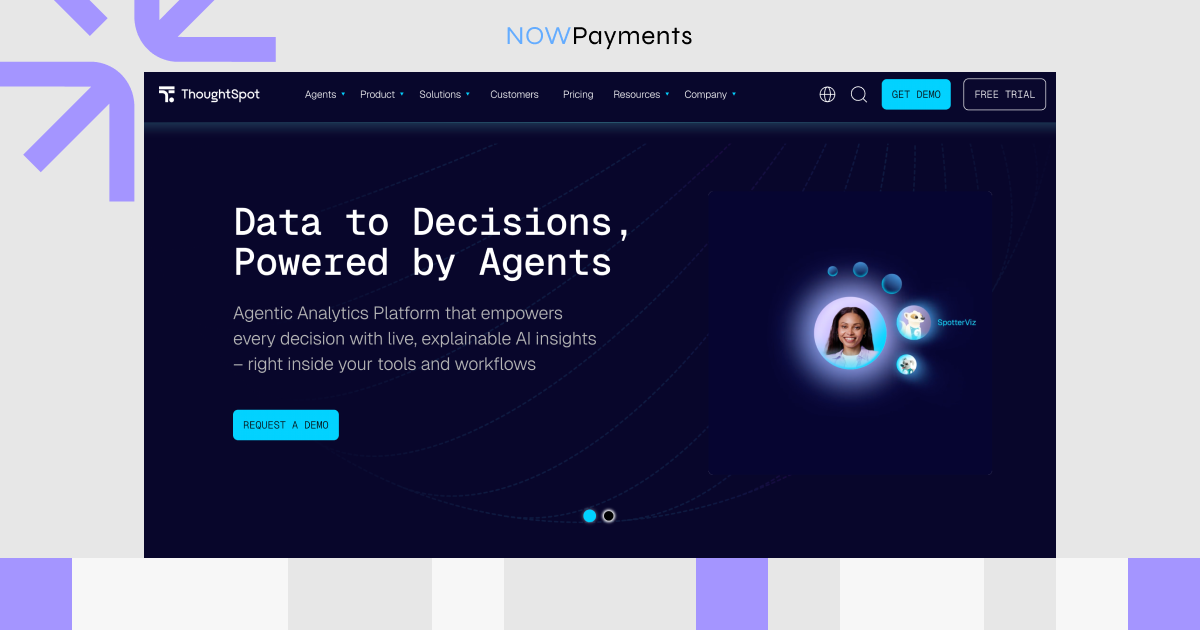
ThoughtSpot is an agentic analytics platform built for AI‑powered business intelligence, with Spotter, its AI Analyst, letting users ask questions, explore data, and get guided insights in natural language. It supports AI agents, semantic modelling, AI‑augmented dashboards, automated insights, and embedded analytics for customer‑facing apps. Analyst Studio helps data teams prepare and blend data using SQL, Python, spreadsheets, notebooks, and connectors like Snowflake, Databricks, BigQuery, Redshift, and PostgreSQL.
Pros
- Explore data without analysts or static dashboards
- Natural-language analytics, anomaly detection, KPI monitoring
- Works for internal BI and embedded analytics
- Enterprise-grade: governance, row-level security, live connections
Cons
- Overkill for small teams with basic reporting
- Complex pricing across users, volume, usage, add-ons
- Advanced features often locked as add-ons
- Needs a solid data stack and governed metrics to work well
Pricing
- Essentials: starts as low as $25 per user/month, billed annually.
- Pro: starts as low as $50 per user/month, billed annually.
- Usage-based pricing is also listed as starting as low as $0.10 per query.
- Enterprise: custom pricing.
- ThoughtSpot Embedded also offers developer and enterprise options, with pricing depending on the use case and go-to-market requirements.
Julius AI
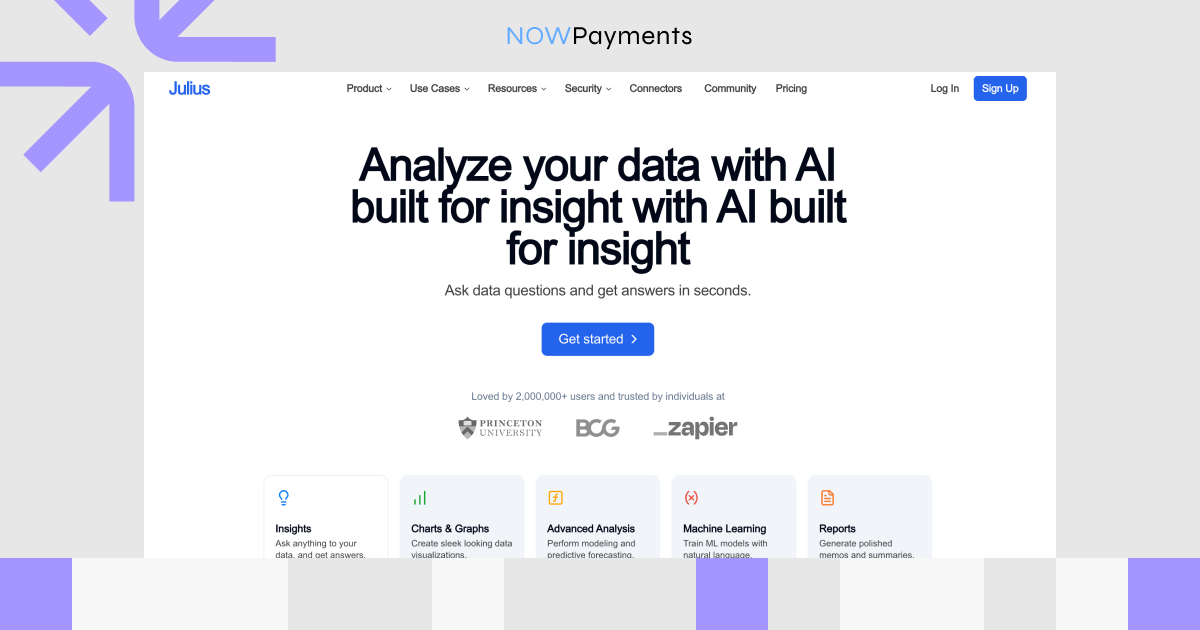
Julius AI is a conversational data analysis tool that answers questions, creates visualizations, generates reports, performs forecasting, and cleans data, all from a chat interface. Julius Notebooks let teams build reusable analysis workflows with prompts, data sources, and custom Python, R, or SQL code. Custom agents can connect to company data and knowledge bases to answer stakeholder questions and create dashboards, while the Julius Slack Agent brings querying, analysis, and visualizations directly into Slack.
Pros
- Fast conversational analysis, no BI setup needed
- Ideal for marketers, operators, analysts, founders
- Reusable notebooks for repeatable workflows
- Business plans: data connectors, custom agents, Slack, scheduling
Cons
- Lightweight for enterprise dashboard governance
- Credit limits push heavy users to higher plans
- Big price jump from individual to team plans
- Advanced team features on higher tiers only
Pricing
- Free: $0/month, with free daily credits.
- Plus: $20/month, or $16/month billed annually.
- Pro: $45/month, or $37/month billed annually.
- Max: $200/month, or $166/month billed annually.
- Ultra: $500/month, or $416/month billed annually.
- Business: $450/month, or $375/month billed annually.
- Growth: $750/month, or $625/month billed annually.
- Enterprise: custom pricing.
| Tool | Primary Use Cases | Best For | Pricing |
| Microsoft Power BI | Dashboards, reports, BI, Copilot‑assisted analysis, workflow triggers | Teams using Microsoft 365, Excel, Azure, or Fabric | Free; Pro $14/user/mo; Premium Per User $24/user/mo; Fabric capacity variable |
| ThoughtSpot | AI analytics, natural‑language BI, Spotter AI, embedded analytics, KPI monitoring | Enterprises wanting governed self‑service analytics | Essentials $25/user/mo; Pro $50/user/mo; Enterprise custom |
| Julius AI | Conversational data analysis, charts, notebooks, reports, Slack analytics | Individuals and teams needing fast, AI‑powered data analysis | Free; Plus $20/mo; Pro $45/mo; Business $450/mo; Enterprise custom |
AI Services for HR, Finance, Legal, and Internal Operations
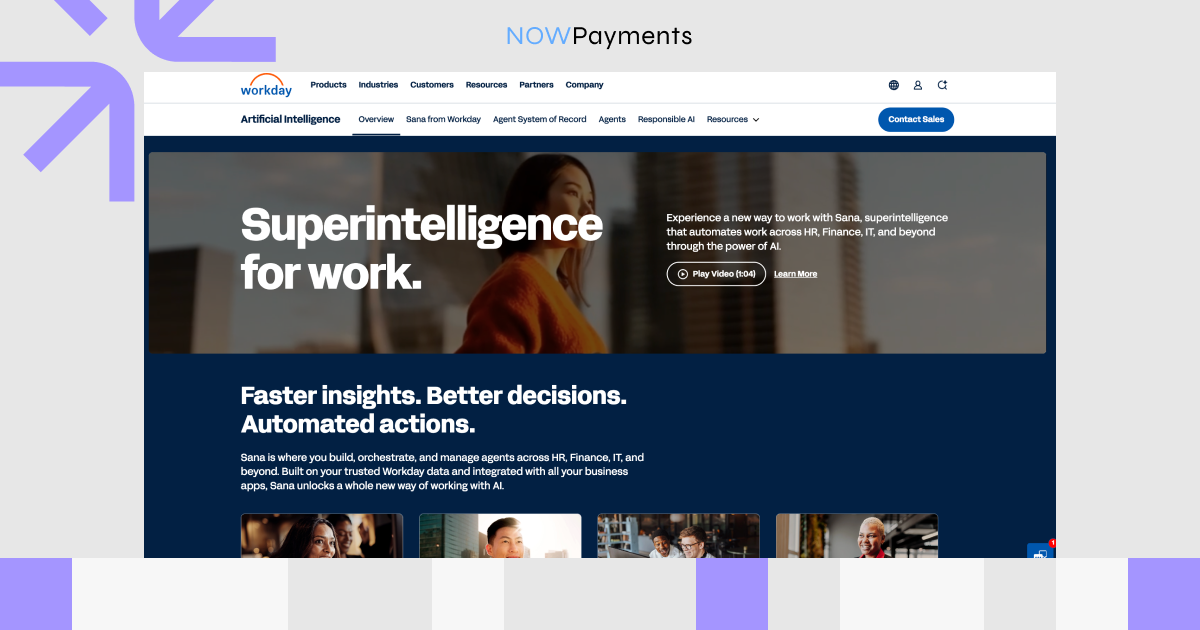
Workday AI
Workday AI is embedded in Workday’s enterprise platform for HR, finance, legal, IT, and internal operations. It includes Sana, Workday AI agents, the Workday Data Cloud, and an Agent System of Record that lets companies track, govern, and measure their AI agents. HR agents handle recruiting, talent mobility, frontline support, and payroll, while finance and legal agents cover revenue contracts, financial audits, supplier contracts, planning, and contract review.
Pros
- Built for large enterprises already on Workday HR, finance, and payroll
- Automates recruiting, employee self-service, payroll checks, contract review
- Runs on trusted HR and finance data for relevant AI outputs
- Agent System of Record tracks and governs AI agents
Cons
- Not suited for small businesses needing lightweight tools
- Best value requires deep Workday adoption
- Flex Credit pricing is usage-based, not a fixed monthly rate
- Some features need enterprise planning and change management
Pricing
- Flex Credits: bought in bulk, consumed per agent action or skill
- No public pricing
Ramp AI
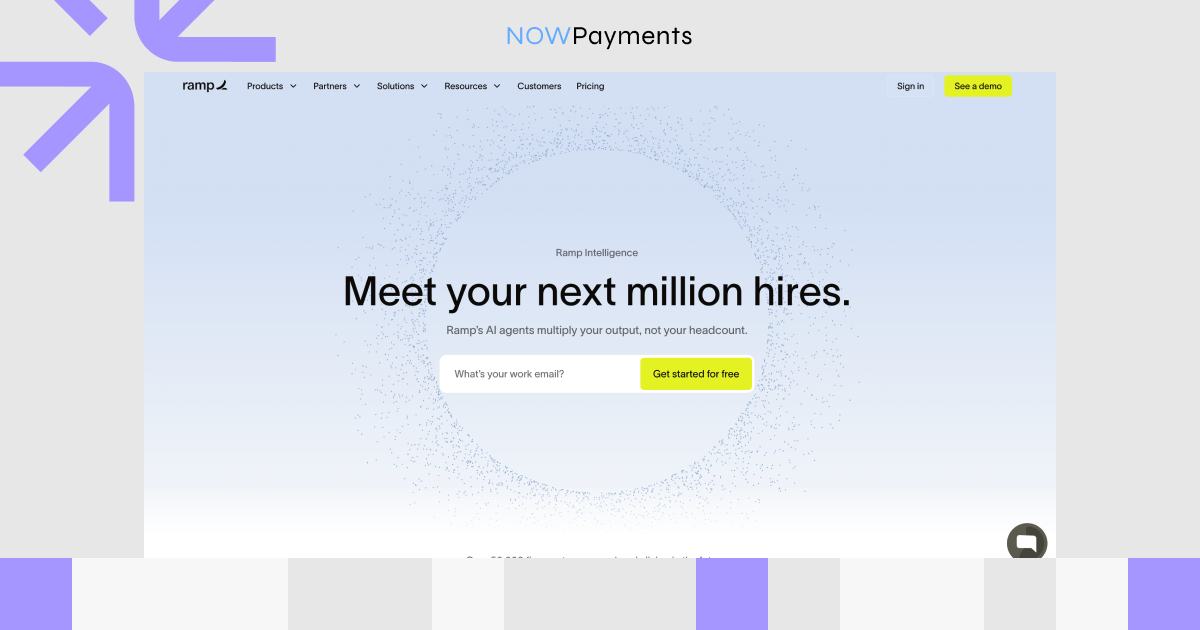
Ramp AI sits inside Ramp’s finance operations platform, covering expense management, accounts payable, procurement, vendor management, corporate cards, travel, and accounting automation. AI agents review expenses, enforce policies, flag risky transactions, answer employee questions, and suggest spend policy improvements. Ramp Procurement uses AI to route approvals, research vendors, review contract terms, and check compliance, while AI also handles invoice extraction, auto-coding, approval recommendations, and fraud detection.
Pros
- Cuts manual expense reviews, invoice processing, and policy enforcement
- One platform for spend, cards, AP, procurement, and accounting
- Clear visibility into spend, compliance, and approval bottlenecks
- Finance-specific agents with transparent, auditable decisions
Cons
- Built for finance teams, not HR, legal, or general productivity
- Advanced AI on paid plans or add-ons only
- Real cost varies with per-user and platform fees
- Complex workflows still need admin setup and human review
Pricing
- Free: $0/month per user, for smaller teams that want basic finance tools.
- Ramp Plus: $15/month per user, plus a platform fee based on team size.
- Ramp Enterprise: custom pricing, with annual billing.
- Procurement is available as an add-on to Ramp Plus or Enterprise.
Notion AI
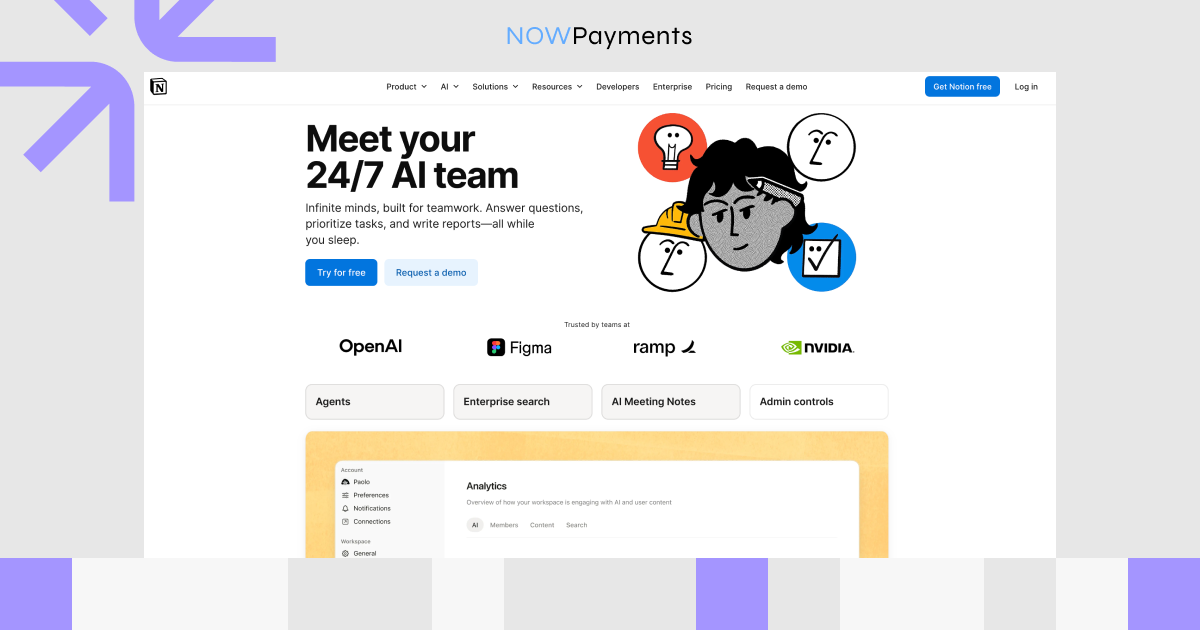
Notion AI is built directly into Notion’s workspace for documents, wikis, projects, databases, meetings, and team knowledge. It includes a Personal AI Agent, Enterprise Search that pulls answers from Notion and connected tools like Slack, Google Drive, and GitHub, plus AI Meeting Notes that transcribe and summarise discussions. Research Mode synthesises information from the workspace, connected apps, and the web into reports, while AI also handles writing, translation, PDF analysis, and database autofill.
Pros
- Ideal for teams using Notion for docs, wikis, and projects
- Helps HR, finance, legal, and ops search policies, summarise meetings, draft docs
- No tool switching: AI lives where team knowledge already sits
- Works alongside docs, databases, forms, charts, and automations
Cons
- Not a specialised HRIS, finance, or legal platform
- Full AI only on Business and Enterprise plans
- Messy workspace hurts AI search and answer quality
- Enterprise controls locked to the Enterprise plan
Pricing
- Free: €0/member/month; limited AI trial
- Plus: €9.50/member/month; limited AI trial
- Business: €19.50/member/month; full AI access
- Enterprise: custom; full AI access
- Custom Agents: free to try, then $10 per 1,000 credits
| Tool | Primary Use Cases | Best For | Pricing |
| Workday AI | HR agents, finance automation, payroll, planning, legal contracts, internal self-service | Large enterprises using Workday for people and money operations | Custom; usage-based Flex Credits |
| Ramp AI | Expense reviews, AP automation, procurement, policy enforcement, spend controls | Finance and operations teams managing company spend | Free; Plus $15/user/mo + platform fee; Enterprise custom |
| Notion AI | Internal knowledge, docs, meeting notes, search, research, workflows | Teams using Notion as a company workspace or wiki | Free/Plus limited AI; Business from €19.50/member/mo in EU view; Enterprise custom |
How to Choose the Right AI Service for Your Business
Start with the problem, not the tool. Know what you’re fixing and what success looks like before comparing anything.
Key criteria to evaluate:
- Problem first. Pinpoint what’s slow, expensive, or repetitive.
- Right department. Match the tool to the team. Marketing, sales, support, dev, and analytics all need different things.
- Tech stack fit. It should plug into your CRM, helpdesk, or data systems without extra friction.
- Security. Check how the vendor stores data, handles training, and meets compliance.
- Measurable ROI. Track time saved, tickets deflected, or revenue influenced so you know it’s working.
- User adoption. Involve the team early. If they don’t trust it, they won’t use it.
As AI companies grow, they need infrastructure for global users, automated workflows, and fast transactions. A critical part of that infrastructure is payments.
Why AI Companies Need Modern Payment Infrastructure
AI businesses don’t operate like traditional software companies. They’re global from the start, their pricing models are more flexible, and their users expect payments to feel as seamless as the AI tools they’re using. That demands a different kind of payment infrastructure. Here’s why.
What makes AI companies different when it comes to payments:
- Global user base from day one. Users come from different countries, currencies, and banking systems. A rigid, single-market payment setup limits growth early.
- Flexible pricing models. Subscriptions are just the start. Many AI services also run on credits, usage-based billing, API access tiers, and pay-per-use. The payment system needs to handle all of it.
- Payments inside the product. Some transactions happen in a chat window, an app, or an automated workflow. The payment flow has to fit where the user already is.
- Speed and automation matter. Traditional systems with slow settlements and manual processes don’t match the pace of AI-native companies.
- Users want payment choice. Crypto lets businesses accept global transactions with lower friction and serve users who prefer paying with digital assets.
For AI developers, SaaS platforms, and automation-first businesses, NOWPayments provides crypto payment solutions designed to match the speed and flexibility of modern AI services.
How NOWPayments Helps AI Services Accept Crypto Payments
NOWPayments is a crypto payment gateway that helps AI services accept digital assets from users around the world. For AI developers, SaaS platforms, and businesses building AI-powered tools, there’s a dedicated solution built to match how AI companies actually work. You can explore the full setup on the AI developers page.
What makes NOWPayments different for AI businesses:
- AI-native infrastructure. OpenAPI, MCP Server, and llms.txt make the platform readable and usable by AI systems, not just humans.
- Seamless payments. Users pay directly in chat or on-page with no redirects and no interruptions.
- Smarter fraud detection. AI monitors transactions continuously, spotting suspicious patterns and reducing risk in real time.
- Instant decisions. AI optimises payment routes on the fly, keeping transactions fast and accurate.
- Automated workflows. Reconciliation and manual tasks are replaced by automation, saving time and cutting errors.
- Built to scale. The infrastructure handles growing transaction volumes without sacrificing performance.
NOWPayments helps AI businesses turn payments into a seamless part of the product experience, not a separate step.
Conclusion
AI services now cover nearly every part of a business, such as marketing, sales, support, development, analytics, HR, finance, legal, and operations. But there’s no universal best tool. The right fit depends on your goals, your team’s workflow, your existing tech stack, and how you’ll measure success. Most companies end up with a small, intentional stack of AI tools, each solving a specific problem for a specific team.
At the same time, AI companies themselves need infrastructure that can keep up. They serve global users, charge through subscriptions or usage-based models, and depend on automated workflows. Payment systems shouldn’t be the thing that slows them down. NOWPayments helps AI businesses accept crypto payments, automate billing, and scale globally with infrastructure built for modern digital products. As AI changes how businesses work, NOWPayments helps AI companies change how they get paid.